

Set up a tenant and a place to stay
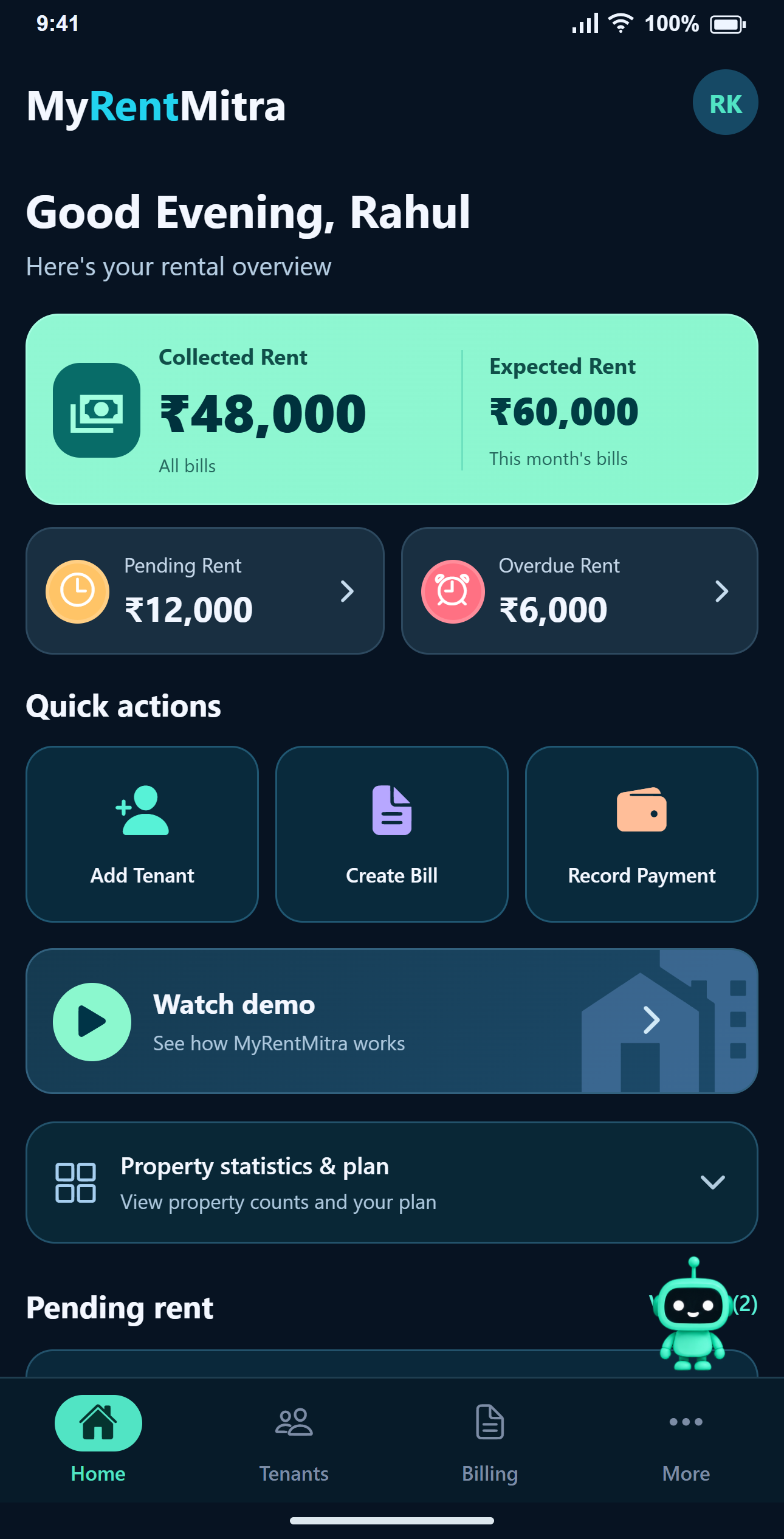
Add a property, optionally a floor, and choose a whole room or PG bed. Add Tenant can save the person and their first assignment together. Additional rooms can be assigned to the same tenant.
Make a bill with a clear breakup
Create a monthly bill with rent and optional electricity, water, food, maintenance, parking and other charges. Review the result before generating it. Existing bills can be viewed and edited.
Record receipts and follow the balance
Record a full or partial payment after receiving the money. Track total, paid and pending amounts, review payment history and share a receipt. Cash, UPI and Bank transfer are recording methods; they do not automatically verify bank transactions.
Track property expenses separately from rent bills
Record repairs, cleaning, electricity, staff, maintenance, water and other property expenses with an amount, date, category and optional note. Keep an image or PDF receipt with the entry when you need supporting records.
Allocate an expense to one or more properties, with an optional room reference. Filter records by property, category and date, and review property-wise received rent, spending and the remaining balance. Manage your property expense records on web and Android.
For example, record a ₹1,500 plumbing repair as a property expense. This records money spent by the landlord; it does not automatically add ₹1,500 to a tenant’s rent bill.
Share, download and review
Share bill and receipt images through the installed app. Generate a PDF invoice with optional GST details. Review Billing by month and status, and export reports.
Manage the end of a stay
Edit contact information, change rooms or end assignments. Once all active stays are ended, a deleted tenant moves out of the main list into read-only history while earlier billing records remain available.
Common questions
Are all limits the same on every plan?
No. Check Pricing for property, floor, room, tenant, active-allotment and reminder limits, plus export availability.
Is the app a payment gateway for tenant rent?
MyRentMitra records rent payments you have received. Buying a MyRentMitra subscription is a separate payment.
Where should a new user start?
Open How It Works, then follow Add Tenant → Create Bill → Record Payment. You only record payment when the tenant has paid.
Can I manage rental property expenses in MyRentMitra?
Yes. On supported plans, record expenses by category and date, allocate amounts to properties, attach a receipt and review property-wise spending on web or Android. These expense records are separate from charges added to tenant rent bills.