

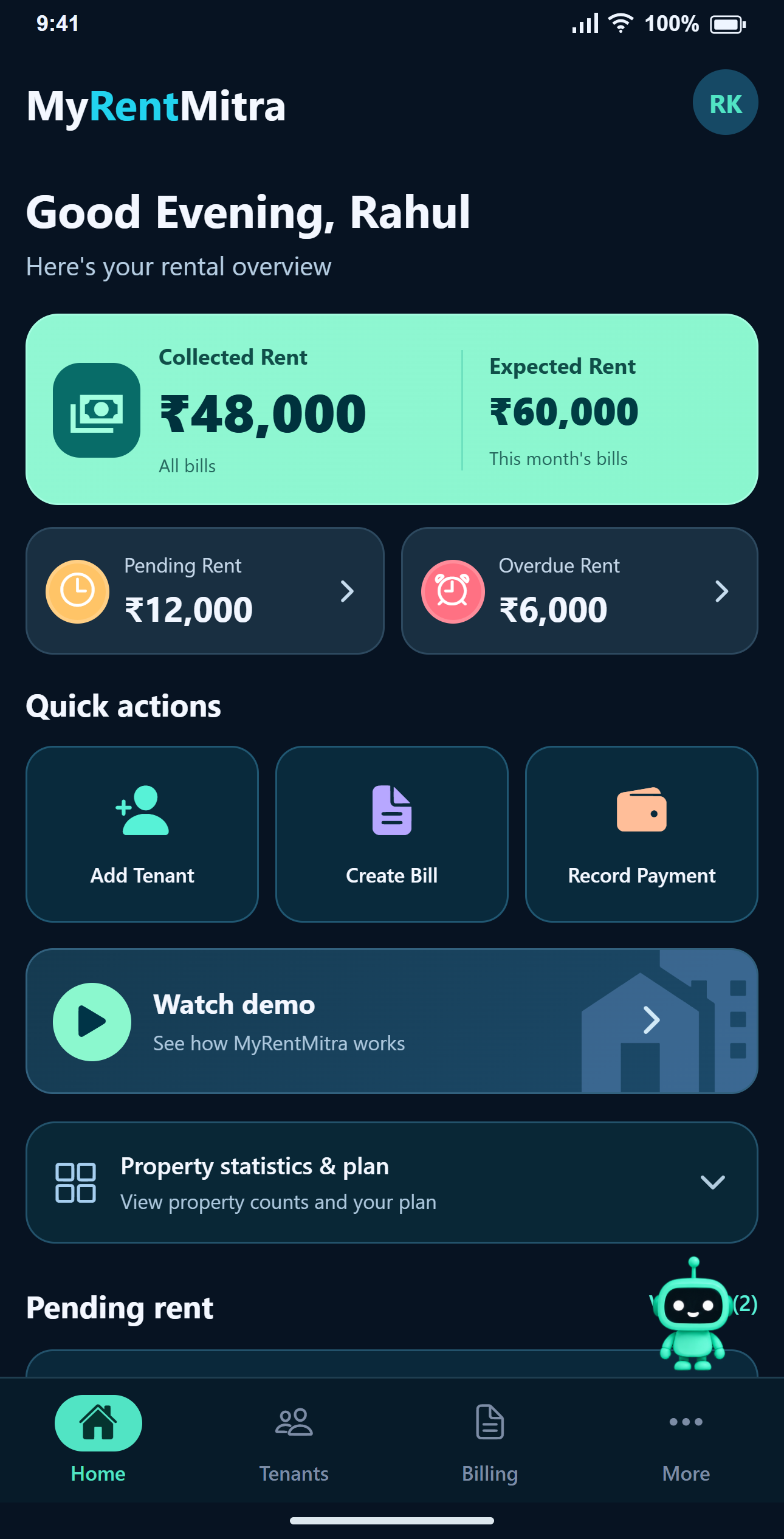
A first session that ends with a useful record
Start with one tenant. Assign their room, set the monthly rent and save. The confirmation screen offers Create First Bill, so you can finish the first month’s setup without looking through several menus.
Find the next action from Home
Add Tenant is for a new person or room assignment. Create Bill is for a month’s rent and optional charges. Record Payment is for money already received. If you are unsure where water or food belongs, go to Create Bill rather than the tenant’s contact form.
Share from the installed app
Share Bill and Share Receipt prepare images of the bill or receipt. Keep the tenant’s mobile number current and check the WhatsApp recipient before sending. Choose WhatsApp or another available app from your phone’s share menu.
Keep the app current
Install or update using the official Google Play listing. If a screen looks different from a guide, check your installed version first. If you contact support about a loading or input issue, include the Android version, device model, app version and the screen where it happened.
Use the web platform when a larger screen helps
The browser is useful when reviewing many entries or reports. Keep using the same account rather than registering a second account to access the website. Check the current plan’s limits and export availability on Pricing.
Common questions
Where should I download the app?
Use the official MyRentMitra Google Play listing linked on this page.
Do I need a separate account for the website?
Use the same registered account for the app and web platform.
Can I use every feature without internet?
An internet connection is needed to load records, save changes and share current bill data.