

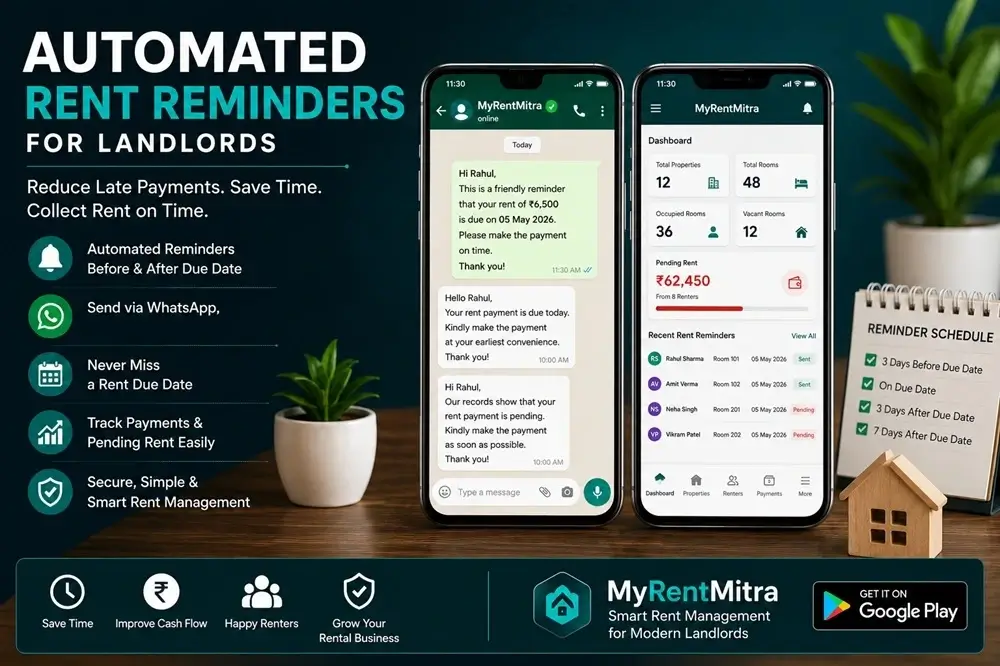
Rent reminders should include the correct tenant name, billing month, pending amount and due date. Check recorded payments before sending a message so a tenant who has already paid does not receive an unnecessary reminder.
How rent reminders work in MyRentMitra
MyRentMitra helps you track pending rent and prepare WhatsApp reminder messages for tenants. Review the amount and message, then send it through WhatsApp. Messages are not automatically delivered to tenants.
Check the balance before sending
- Open the relevant tenant and rent bill.
- Check the billing month and charges.
- Record any payment already received, including partial payments.
- Confirm the remaining balance.
- Prepare the reminder, review the recipient and send it through WhatsApp.
See the payment recording guide for recording received money.
When to follow up
Choose a reminder schedule based on the agreed due date and your conversation with the tenant. A message before the due date, a check on the due date and a follow-up if rent remains unpaid are possible steps. Stop unnecessary reminders after payment and avoid repeated messages when a payment date has already been agreed.
WhatsApp rent reminder messages
Before the due date
Hello [Tenant name], your rent of ₹[Amount] for [Month] is due on [Date]. Please let me know if you need the bill details. Thank you.
On the due date
Hello [Tenant name], a reminder that ₹[Amount] for [Month] is due today. If you have already paid, please share the payment reference so I can check and update the record.
After a partial payment
Hello [Tenant name], I have recorded your payment of ₹[Paid amount] for [Month]. The remaining balance is ₹[Balance]. Please confirm when you expect to pay it. Thank you.
Replace the bracketed details and check the figures before sending. More templates are available in our WhatsApp reminder message guide.
Keep payment records up to date
A reminder does not confirm a payment. Check that money has been received, then record it against the correct bill. Review partial payments and outstanding balances before your next follow-up.
MyRentMitra also supports room and tenant records, rent bills, payment tracking and property expenses. See features and current plans to compare your needs.
Frequently asked questions
Does MyRentMitra send WhatsApp reminders automatically?
No. It helps prepare the reminder message; you review and send it through WhatsApp.
Can I send reminders from my Android phone?
You can use MyRentMitra on Android to review pending rent and prepare a WhatsApp reminder. Check the recipient and message before sending.
Do reminders guarantee payment on time?
No. They communicate the amount and due date, but payment timing depends on the tenant. Keep a record of payments and agreed follow-up dates.
What should I do after a tenant pays?
Check receipt of the payment, record it against the correct bill and review the remaining balance. You can then share the payment receipt.
Get MyRentMitra for Android
Download MyRentMitra on Google Play to manage rooms, tenants, rent bills, recorded payments and property expenses.